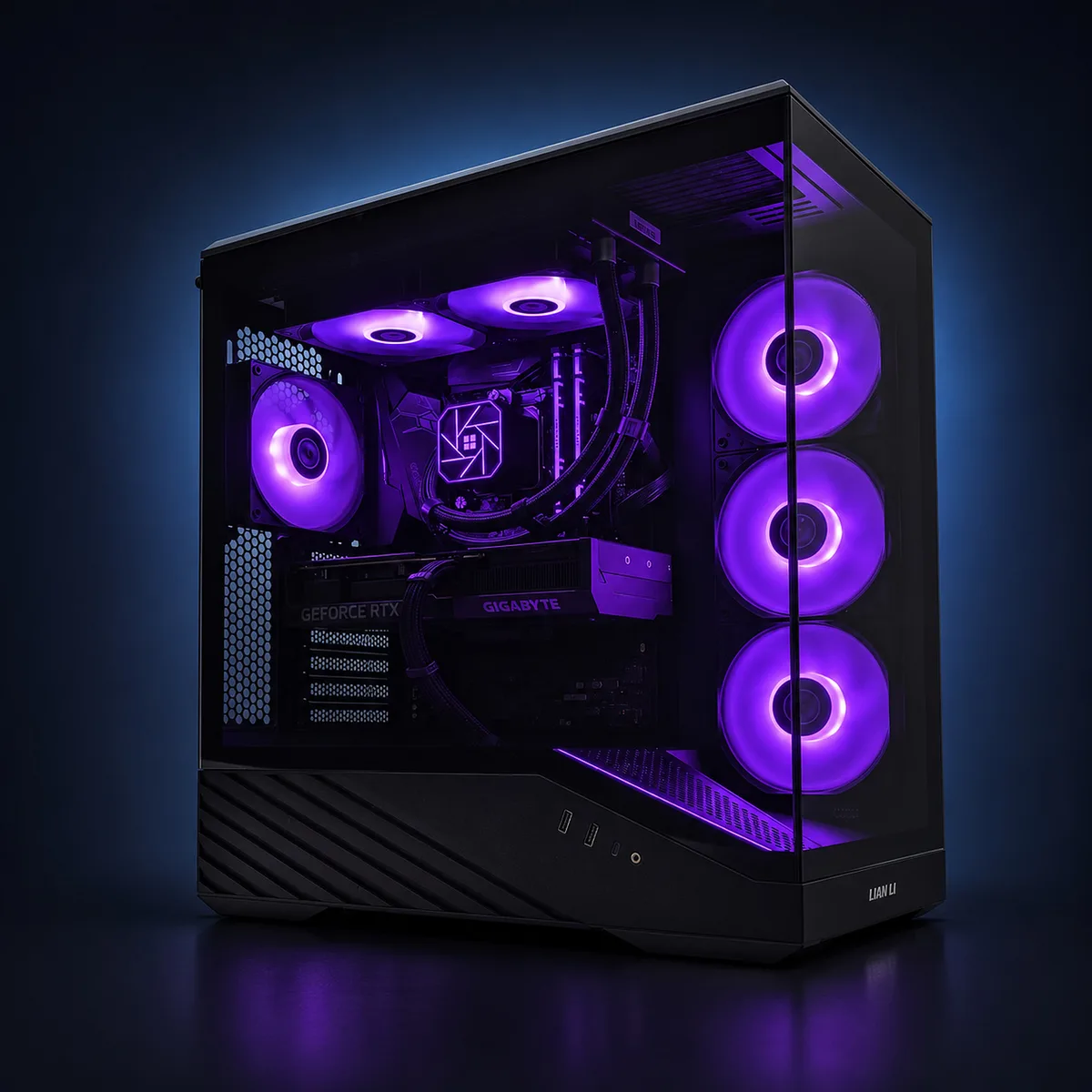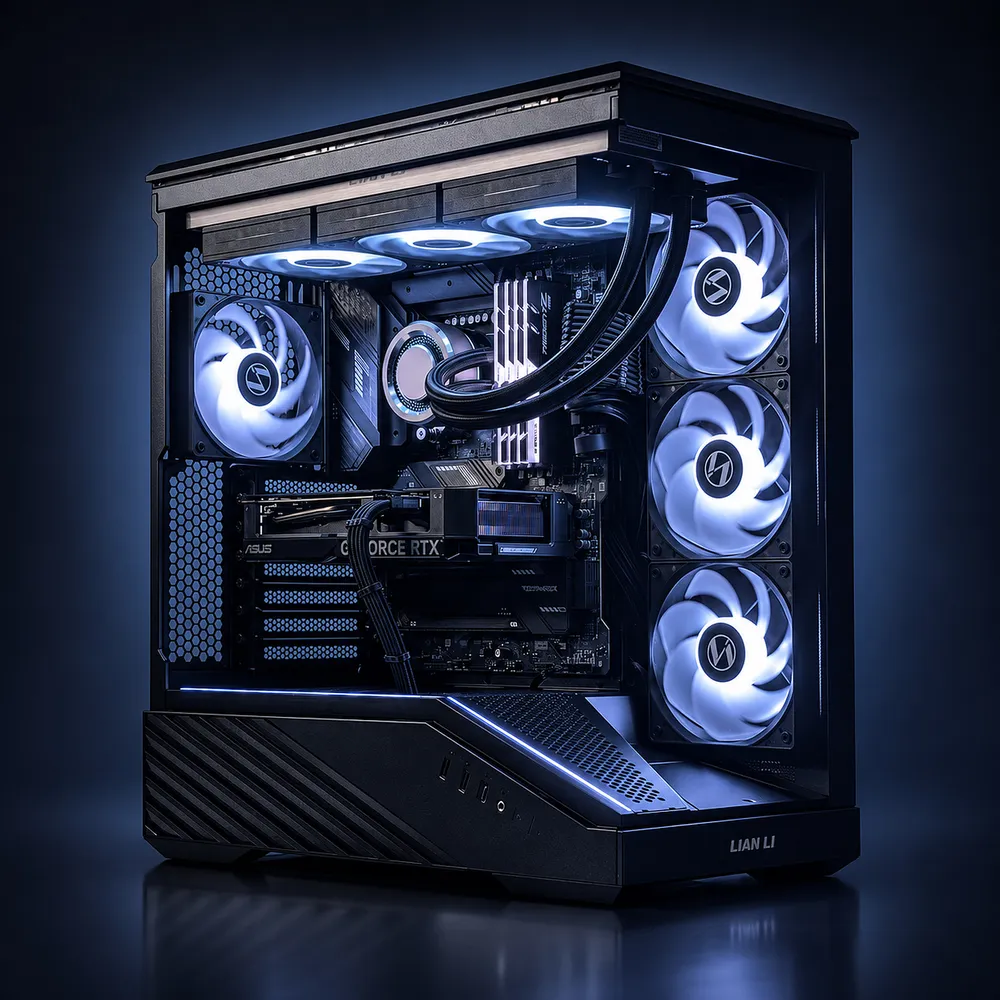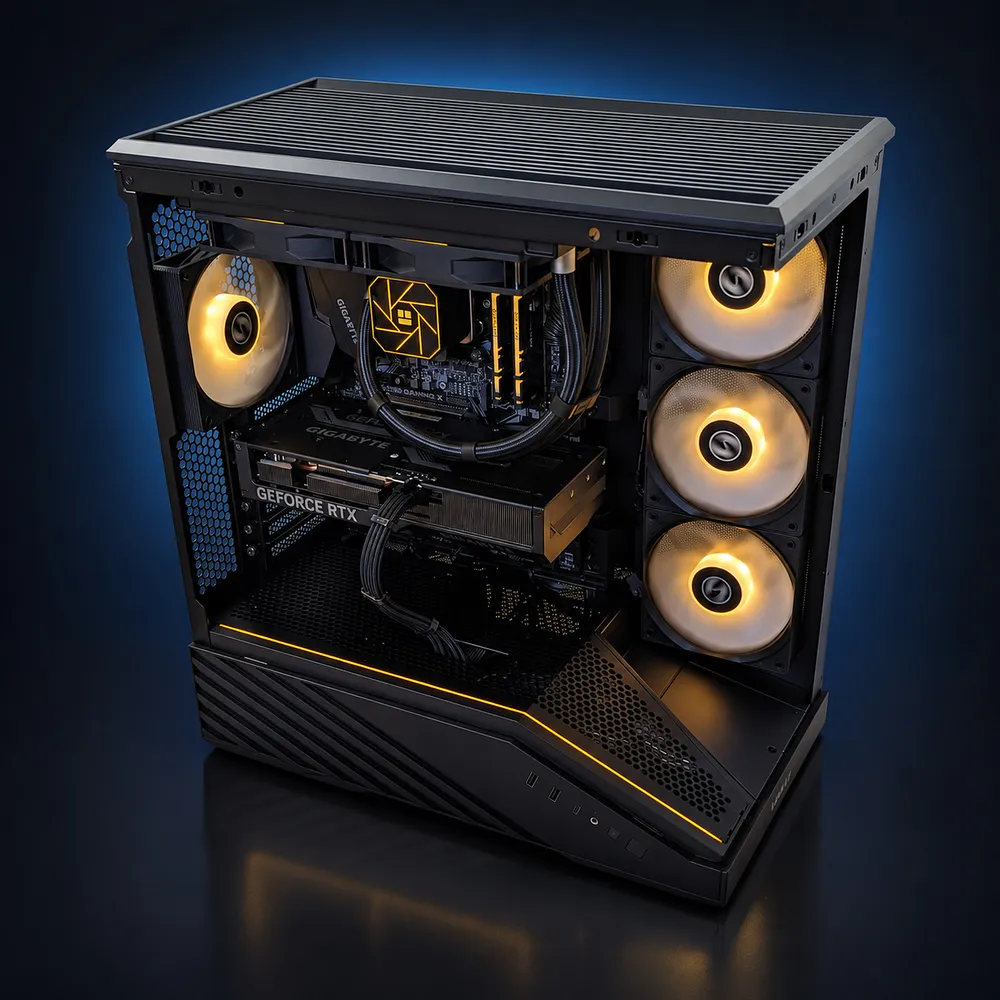
Most gaming PCs are sold by their graphics card. It's the biggest part, the one in the listing title, and the one everybody argues about. For most games that makes sense. For esports, it's backwards.
In Valorant, CS2, Fortnite and Overwatch 2 at competitive settings, the processor decides how many frames you get. A big graphics card behind an old processor sits there half asleep. Here's why that happens, how to check whether it's happening to you, and what to look for when you buy.
How a frame gets made
FPS means frames per second: 240 FPS is 240 separate pictures on your screen every second. Each of those pictures takes two jobs.
- The processor plans the frame. It runs the game: where every player is, where every bullet goes, what changed since the last frame. Then it hands the graphics card a list of what to draw.
- The graphics card draws it. It turns that list into pixels: textures, lighting, shadows, effects.
Whichever job takes longer sets your frame rate. Think of a kitchen: one person writes the orders, one person cooks. If the cook is fast but the orders come slowly, the food comes out slowly.
Esports players run low or competitive settings at 1080p, because clean visuals and high frame rates help them see. That makes the drawing job easy. So the planning job, the processor, becomes the slow one. Turning settings down doesn't help any more, because the graphics card was never the problem.
What the numbers say
TechSpot tested this in 2022. They ran Fortnite at 1080p with fast graphics cards and swapped the processor.
| Processor | Released | Average FPS |
|---|---|---|
| Ryzen 5 1600 | 2017 | ~187 |
| Ryzen 5 3600 | 2019 | ~266 |
| Ryzen 5 5600 | 2022 | ~391-418 |
Source: TechSpot, June 2022. Where there's a range, it covers the graphics cards they tested.
Same game, same settings, and the frame rate more than doubles from the processor alone. That's the whole argument in one table.
Cores aren't the whole story
You'd think more cores means more frames. In esports, it mostly doesn't. These games lean hard on a few threads, so what matters is how fast each core is and how much cache it has (a small, very fast memory right on the processor).
That's why a modern 6-core Ryzen beats an old 14-core server chip in Valorant, even though the server chip has more than twice the cores. It's also why AMD's X3D processors, which stack extra cache on top of the chip, top almost every esports benchmark.
How to tell if your processor is holding you back
- Turn on a performance overlay. The NVIDIA overlay (Alt+R), Windows Game Bar (Win+G) or MSI Afterburner all show GPU usage.
- Play a real match, not the menu. Watch your FPS and your GPU usage together.
- Read it: if your FPS is below your monitor's refresh rate and the GPU sits well under 90% busy, the graphics card is waiting on the processor. You're CPU-limited.
- Double-check: drop your graphics settings one more notch. If FPS barely moves, it's confirmed.
If your GPU is pinned near 99% instead, the graphics card is the limit, and a better card (or lower settings) is the fix. Before you buy anything, it's worth checking the free stuff in our slow-PC checklist first; slow memory settings and heat can look exactly like a weak processor.
What this means when you buy a gaming PC
Plenty of budget gaming PCs pair a modern graphics card with a processor from 2013 to 2017, like a 4-core Intel i7-4770 or i7-7700. The graphics card makes the listing look strong. In esports, the old processor caps the frame rate no matter which card sits next to it.
So read the processor line first. Our rule of thumb for esports at 1080p:
| Your monitor | Processor to look for |
|---|---|
| 144 Hz | Ryzen 5 3600 class or newer, 6 cores / 12 threads |
| 240 Hz | Ryzen 5 5600 class or newer |
| 360 Hz and up | An X3D chip like the Ryzen 7 5700X3D or 7800X3D |
Those are starting points, not laws. Game updates, settings and memory all move the numbers. Want to know what each refresh rate actually gets you? See how many FPS you need.
The graphics card still matters
None of this means the graphics card is unimportant. It matters for:
- Heavier games like Apex Legends and Marvel Rivals, where the card sets the pace sooner.
- Higher settings and resolutions, where the drawing job gets hard again.
- Streaming. NVIDIA cards have a separate chip for encoding your stream, so you can go live without giving up the round. Here's how to set that up.
The point is balance. For esports, spend on the brain first, then pick the graphics card that keeps up with it.
How we build ours
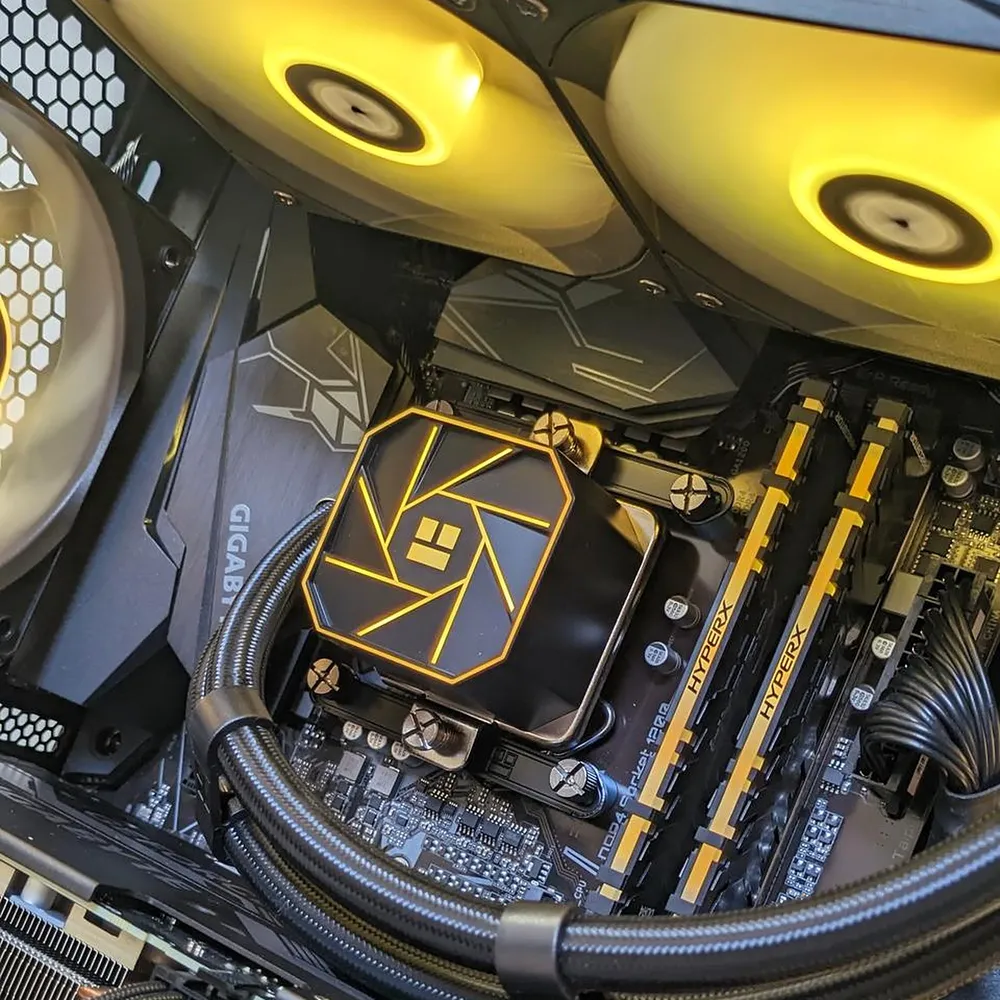
That's the idea behind every 7TT esports PC. The Contender uses a 6-core Ryzen 5 3600, the Pro a Ryzen 5 5600, and the Champion a Ryzen 7 7800X3D. Each one gets the graphics card that matches its processor, not the biggest name we could fit in the title. Then we benchmark it in your games before it ships, so you get your real FPS in writing instead of a guess.